
A Practical Guide to Amharic Captions for Short-Form Video
A practical workflow for creating clear Amharic captions, improving readability, and checking timing before you publish short-form videos.
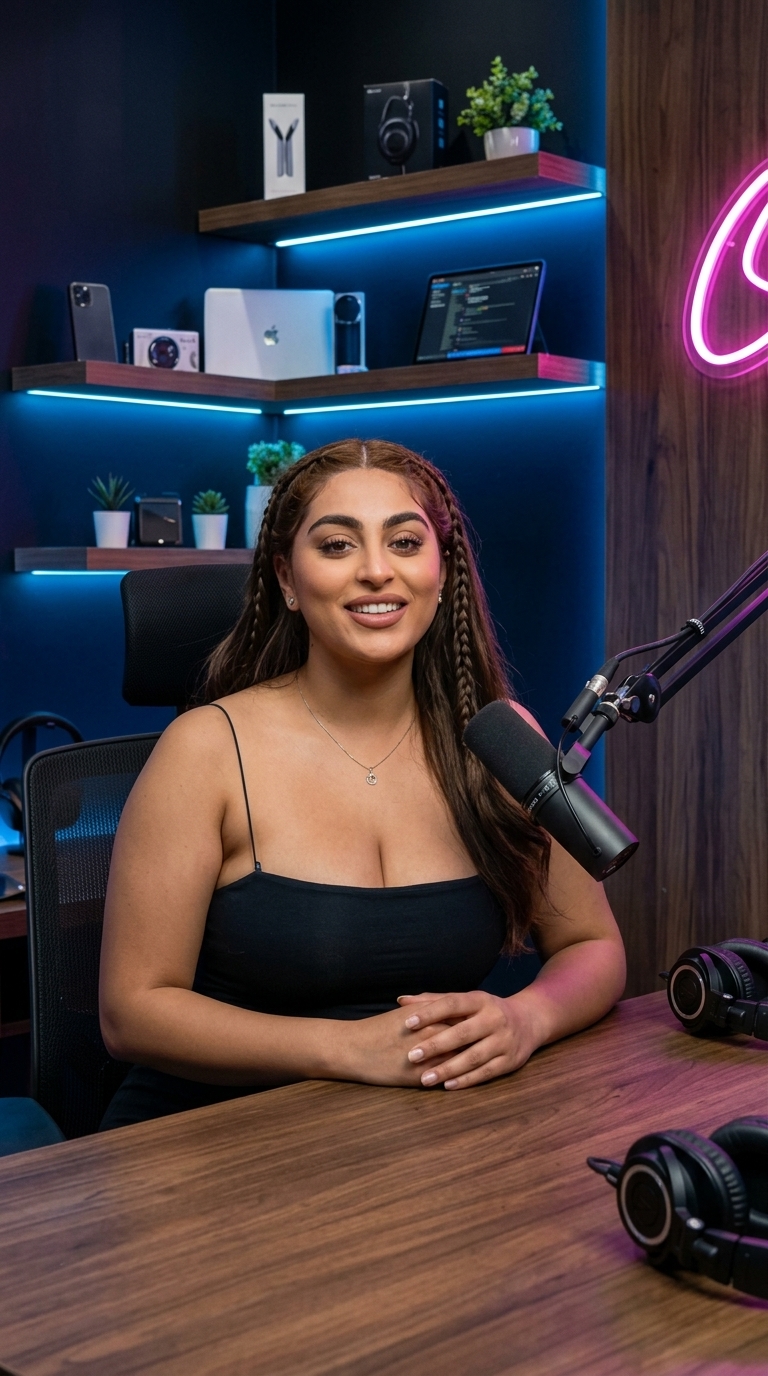
Captions make spoken content easier to follow when viewers cannot or prefer not to use audio. For Amharic-language videos, they also give creators a chance to present Ethiopic script clearly and keep English words readable when speakers code-switch.
This guide walks through a repeatable caption workflow for TikTok, YouTube Shorts, Instagram Reels, and other vertical video platforms. Platform interfaces and safe areas change, so always preview your export in the destination app before publishing.
1. Prepare a clean transcript
Start with a transcript that reflects what the speaker actually said. Automatic speech recognition can save time, but it may mishear names, numbers, technical terms, quiet speech, or rapid Amharic-English switches.
Before styling captions, review the transcript against the audio. Correct spelling and punctuation, preserve English brand and product names in Latin script, and avoid rewriting a speaker's meaning for the sake of a shorter line.
2. Break speech into readable captions
A caption should be short enough to scan while the video continues. Split at natural pauses and changes in thought rather than cutting a phrase in the middle. Keep related words together, and avoid displaying a full paragraph at once.
Use these checks as a starting point:
- Keep each caption to one or two short lines where possible.
- Give viewers enough time to read each line comfortably.
- Keep line breaks at natural phrase boundaries.
- Check that captions do not cover faces, important text, or platform controls.
There is no single timing rule that fits every speaker or video. Read the captions while watching the clip at its intended speed and adjust any line that feels rushed or lingers after the speech ends.
3. Choose a legible style
Use a typeface that supports Ethiopic characters and remains readable at phone size. Strong contrast between text and background helps; a subtle outline or backing can improve visibility over busy footage. Use color and animation sparingly so emphasis supports the message instead of competing with it.
Keep the visual system consistent across a series. A small set of repeatable choices—font, size, placement, and emphasis color—makes videos easier to recognize and captions easier to follow.
4. Check placement for each platform
Vertical-video apps place buttons and labels in different parts of the screen, and those layouts can change. Keep captions away from the edges and controls, then preview the finished video in the target platform. Do not assume that a preview in an editor exactly matches the published interface.
5. Review before exporting
Watch the video once with sound and follow every caption. Then review it muted to check whether the text alone communicates the spoken message. Correct misspellings, timing gaps, awkward breaks, and any words hidden by the interface. If the video includes more than one speaker, use clear speaker cues when they help the viewer understand who is talking.
A quick pre-publish checklist
- The transcript matches the recording and preserves the speaker's meaning.
- Amharic uses Ethiopic script; English terms use their standard spelling.
- Captions are readable on a phone and have enough contrast.
- Timing and line breaks follow the speech naturally.
- Text stays clear of faces, key visuals, and platform controls.
- The export has been previewed in its intended destination.
Captions are an editing decision, not a guarantee of reach. A clear transcript and careful review help make your video more understandable and accessible to more viewers.
Generate captions for your next video in minutes
Join hundreds of Ethiopian creators who use Bgern to automatically caption their videos.